Image Compressor Online
Compress JPG, PNG and WebP images online. Choose a preset size or enter your own custom target file size.
Upload Your Image
Drag & drop your image here or choose a file
Choose Image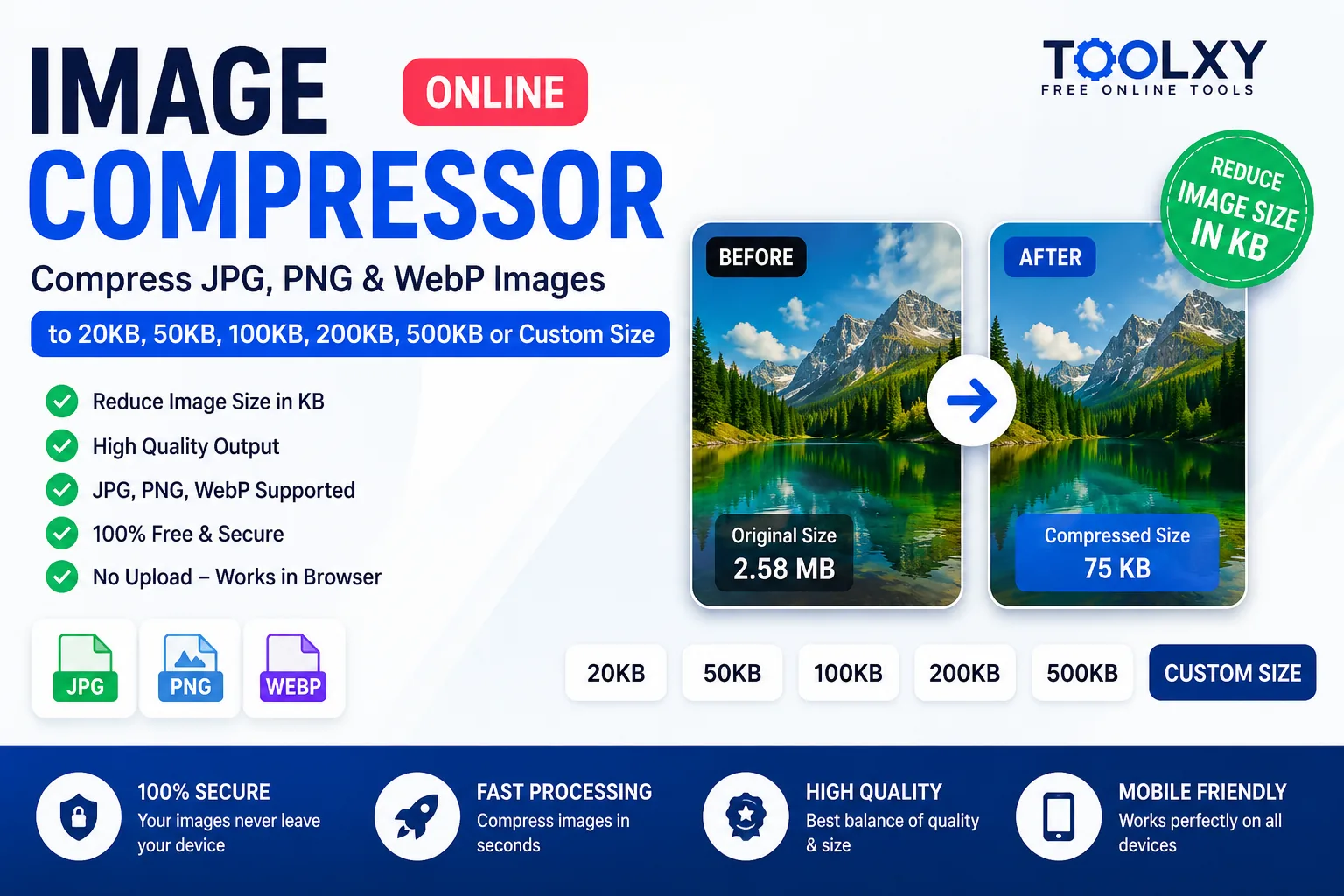
Image Compressor Online
Image Compressor Online is a free and easy way to reduce image file size directly in your browser. You can compress JPG, JPEG, PNG and WebP images without installing additional software.
Toolxy lets you choose a compression quality or select a target file size such as 20KB, 50KB, 100KB, 200KB or 500KB. You can also enter your own custom target size in KB when you need a specific image size for an online form, application, website or other requirement.
Free Image Compressor Online
Large image files can take longer to upload, consume more storage and increase webpage loading time. An online image compressor helps reduce the file size while keeping the image useful and visually clear.
With Toolxy's free image compressor online, you can compress photos and images from a phone, tablet or computer. The tool supports common formats including JPG, PNG and WebP.
You do not need to install a desktop application. Select an image, choose your preferred compression settings and download the compressed file when processing is complete.
Compress Image to a Specific KB Size
Many websites and online applications require an image to remain below a particular file size. For example, a form may ask for a photo below 50KB or 100KB. Instead of repeatedly changing the image manually, you can use a target file size.
20KB
Need a very small image? Use the target-size option to try to compress image to 20KB.
50KB
A useful option when you need to compress image to 50KB for forms and online applications.
100KB
Use the target-size feature to compress image to 100KB while maintaining practical image quality.
200KB
Choose a larger target when you need compress image to 200KB with better visual quality.
500KB
Useful when you want to compress image to 500KB without making the file unnecessarily large.
Custom KB
Enter your own target such as 75KB, 125KB or 350KB using the custom size option.
Compress JPG, PNG and WebP Online
Toolxy supports popular image formats so you can reduce the size of different types of photos and graphics from one place.
- JPG/JPEG: Useful for photographs and everyday images.
- PNG: Useful for graphics, screenshots and images that require transparency.
- WebP: A modern web-friendly format that can provide smaller files for websites.
You can also use the tool as a compress JPG online, compress PNG online or compress WebP online solution depending on the selected output format.
How to Compress an Image Online
- Upload your image: Choose a JPG, PNG or WebP image from your device.
- Select the target size: Choose 20KB, 50KB, 100KB, 200KB, 500KB or Custom Size.
- Enter a custom size: If you choose Custom Size, enter your preferred target size in KB.
- Choose the output format: Select JPG, PNG or WebP according to your requirement.
- Compress the image: Click the Compress Image button and allow the browser to process the file.
- Download: Check the original and compressed file sizes and download your result.
How to Reduce Image Size in KB
If an image is too large for an upload form, you can reduce its file size by lowering the compression quality or selecting a target size. The best setting depends on the original dimensions, image format, details and colors in the image.
For example, if a website asks you to upload a photo under 100KB, select 100KB as the target. If the website allows a custom limit, enter that value using the Custom Size option.
Compress Image Without Losing Quality
It is not always possible to reduce every image to a very small file size without any visible quality change. Compression works by reducing the amount of information stored in the image.
For better results, start with a moderate quality level and compare the compressed file with the original. For website images, WebP can also be a useful option when supported by the destination website.
Image Compressor for Online Forms
Government forms, job applications, admission forms, exam applications and other online services may have specific image-size requirements. A photo that looks perfectly fine on a phone can still be rejected if its file size is larger than the allowed limit.
Instead of using complicated desktop software, you can use an image size reducer online to prepare the file before uploading it to the required website.
Why Reduce Image File Size?
- Faster image uploads
- Lower storage requirements
- Smaller email attachments
- Better website performance
- Easier sharing through messaging apps
- Meeting online form upload limits
- Reducing unnecessary image data
Image Compression for Websites
Images are an important part of modern websites, but large image files can increase the amount of data that visitors need to download. Compressing images before publishing them can help reduce unnecessary file size.
For websites, choose an appropriate image dimension as well as a suitable compression level. A very large image does not always need to be served when the displayed image is much smaller.
JPG vs PNG vs WebP
| Format | Common Use | Compression |
|---|---|---|
| JPG | Photos and general images | Good for reducing photographic image size |
| PNG | Graphics, screenshots and transparency | Useful when image quality and transparency matter |
| WebP | Modern websites and web images | Often suitable for smaller web image files |
Is Toolxy Image Compressor Safe?
The Toolxy image compression tool is designed to process supported images directly in the browser. For normal browser-side compression, the image does not need to be uploaded to a separate image-processing server.
This approach can also make the tool convenient for users who want to reduce an image before uploading it to another website.
Frequently Asked Questions
What is an Image Compressor Online?
An image compressor online is a browser-based tool that reduces the file size of an image by applying compression. It can be used to reduce JPG, PNG and WebP files for websites, forms, applications and sharing.
Can I compress an image to 50KB?
Yes. Select the 50KB target size in the Toolxy Image Compressor and start compression. The tool will try to produce a file close to the selected target.
Can I compress an image to 100KB?
Yes. Choose 100KB from the Target File Size option. The compressor will try to find a suitable quality level for the target.
Can I enter my own custom image size?
Yes. Select Custom Size and enter the target size in KB. You can enter values such as 37KB, 75KB, 125KB, 250KB or another size within the allowed range.
Can I compress JPG images online?
Yes. Toolxy supports JPG and JPEG images and can reduce their file size using quality-based or target-size compression.
Can I compress PNG images online?
Yes. PNG images are supported. Depending on the image and selected settings, the resulting file size can vary.
Can I compress WebP images?
Yes. WebP is supported as an input and output format in the image compressor.
Can I reduce photo size in KB?
Yes. Upload your photo and select a target size such as 50KB, 100KB, 200KB or a custom KB value.
Does image compression reduce image quality?
Compression can reduce image quality depending on the format, quality setting and target file size. Extremely small target sizes may require stronger compression.
What is the best image format for websites?
WebP can be a practical choice for many modern websites because it is designed for efficient web delivery. However, the best format depends on the image and the requirements of the website.
Do I need to install software?
No. Toolxy's Image Compressor Online works through a web browser, so you do not need to install a separate image-compression application.
Can I use the image compressor on mobile?
Yes. The tool is designed to work on modern mobile browsers as well as desktop browsers.
What is a target file size?
A target file size is the approximate size you want the compressed image to reach, such as 50KB or 100KB. The actual result can vary depending on the original image.
Can I compress an image without uploading it to a server?
Toolxy's browser-side compression approach can process supported images inside the browser for normal compression operations.
Why can't every image reach exactly the selected KB?
Image compression depends on the image dimensions, format, visual complexity and browser encoding. Some images cannot be reduced to an exact target without unacceptable quality loss, so the tool attempts to find a practical result close to the requested size.
Final Words
Toolxy's Image Compressor Online provides a simple way to reduce JPG, PNG and WebP image sizes without installing dedicated software. Whether you need to compress an image to 20KB, 50KB, 100KB, 200KB, 500KB or a custom size, you can choose the option that matches your requirement.
For the best result, use the smallest file size that still provides acceptable image quality for your particular purpose.
Useful Image & File Tools
If you work with images and online files regularly, you can also explore these useful Toolxy tools. These tools can help you calculate, resize, convert and prepare files for different online requirements.
Helpful External Resources
For additional information about modern image formats and web image optimization, you can also refer to official documentation from reliable external resources.
- MDN Web Image Types – Learn about common image formats and their characteristics.
- Google WebP Documentation – Learn more about WebP images and their use on the web.