Train Speed Check Online
How to Use Train Speed Check
Check your train's current speed quickly using your mobile phone's GPS.
Allow GPS Location
Allow location access when your browser asks for permission.
Start Tracking
Tap the Start Tracking button while travelling by train.
Check Live Speed
Your current train speed will be calculated using your device GPS.
View Your Results
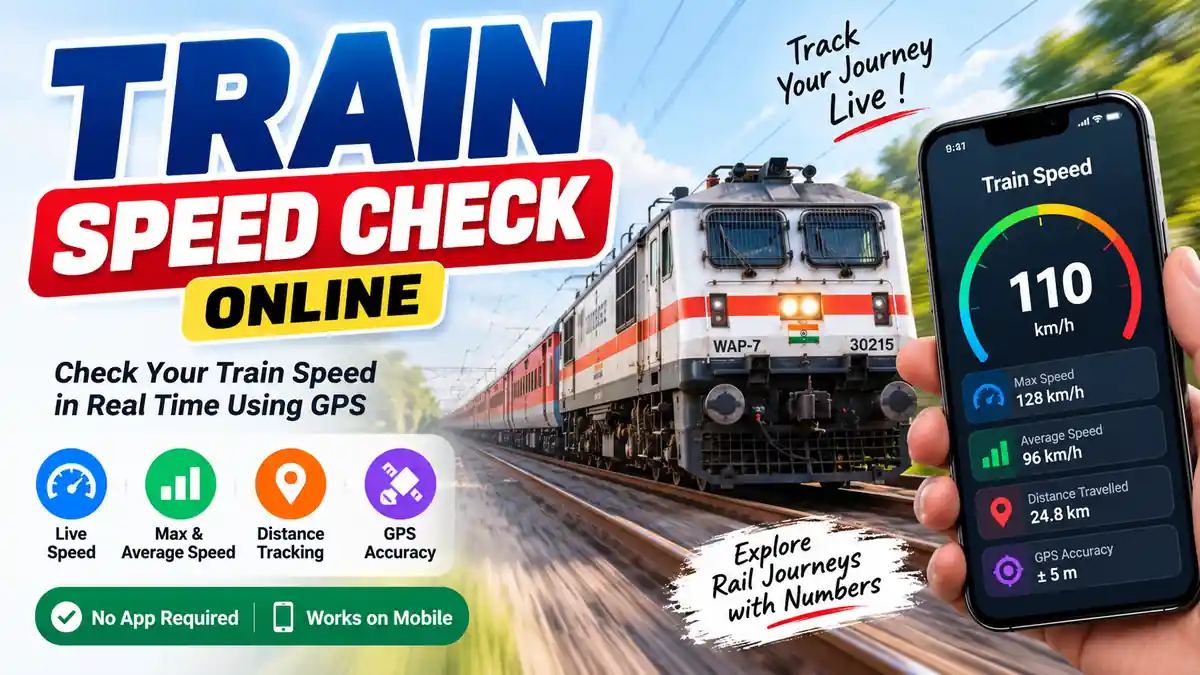
Check maximum speed, average speed, distance travelled and GPS accuracy.
Train Speed Check Online
Want to know how fast your train is travelling? Our Train Speed Check Online tool helps you estimate the current speed of a moving train using your phone's GPS. You can use it directly in your browser without installing a separate app.
A train can change its speed frequently depending on railway signals, stations, curves, traffic and track conditions. With a GPS-based train speed checker, you can get an estimate of the train's current movement speed while travelling.
How Does the Train Speed Checker Work?
The tool uses your device's location sensor to obtain GPS position information. When GPS provides movement speed, the tool converts the reading into kilometres per hour. If a direct speed reading is not available, the tool can estimate speed by comparing successive GPS positions and the time between them.
For this reason, the displayed result should be considered an estimated GPS speed rather than an official railway speed reading. A stronger GPS signal can generally provide more consistent results.
What Information Can You Check?
This online train speed tool provides several useful measurements during a journey. The live speed display shows the estimated current speed, while the maximum and average speed sections help you understand the overall speed recorded during tracking.
- Current Speed: See the estimated live speed of the train.
- Maximum Speed: Check the highest GPS speed recorded during tracking.
- Average Speed: View the average of the recorded speed readings.
- Distance: See the approximate distance measured during tracking.
- GPS Accuracy: Check the estimated accuracy of your device's location.
- km/h and mph: Switch between kilometres per hour and miles per hour.
Train Speed Check Using Mobile GPS
You can use the train speed checker on a smartphone while travelling. Open the tool in a modern browser, allow location access and select Start Tracking. The tool will then receive available GPS updates and display the estimated speed.
For better results, keep the phone in a location where it can receive GPS signals properly. Readings can become less stable inside tunnels, underground areas, covered platforms, near tall buildings or whenever the device has weak satellite reception.
Is the Train Speed Result Accurate?
GPS-based speed measurement can be useful for getting an approximate idea of how fast a train is moving, but it should not be treated as a precision railway measurement. Accuracy depends on your phone, browser, GPS reception, movement conditions and the quality of the location signal.
The speed shown by this tool is not connected to an official railway control system. It should therefore be used for personal information and estimation rather than official speed records.
Why Check Train Speed?
Checking train speed can make a journey more interesting and can also help travellers understand how quickly the train is moving between stations. It can be particularly useful for comparing speed at different points of a journey, checking the highest recorded speed and observing changes in movement over time.
Train Speed Checker Without an App
No separate application is required to use this browser-based tool. You can open the page on a compatible smartphone, allow GPS access and start tracking directly from the browser. This makes it convenient for travellers who want a quick way to estimate train speed without downloading additional software.
Tips for Better GPS Speed Readings
- Keep your phone where it can receive a good GPS signal.
- Allow location permission in your browser.
- Avoid judging accuracy from a single GPS reading.
- Give the tool some time to obtain stable location updates.
- Expect less reliable readings in tunnels and covered areas.
- Use the maximum and average readings for a broader view of the journey.
Train Speed Check Online – Quick and Easy
Whether you are curious about your train's speed or simply want to measure the movement of your journey, this train speed check online tool provides a convenient browser-based solution. Start GPS tracking, watch the live speed and review your maximum speed, average speed, distance and GPS accuracy from one simple interface.
If you want to explore more useful tools, visit our online tools and discover other helpful utilities for everyday use.
You can also explore our All Tools collection to find more free online tools.
For official railway information, you can visit the Indian Railways official website .
For railway passenger services and train-related information, visit IRCTC official website .
Train Speed Check Online uses GPS to estimate your current train speed. If you need official railway information, you can visit the Indian Railways official website .
After checking your train speed, you can explore more useful online tools available on Toolxy.