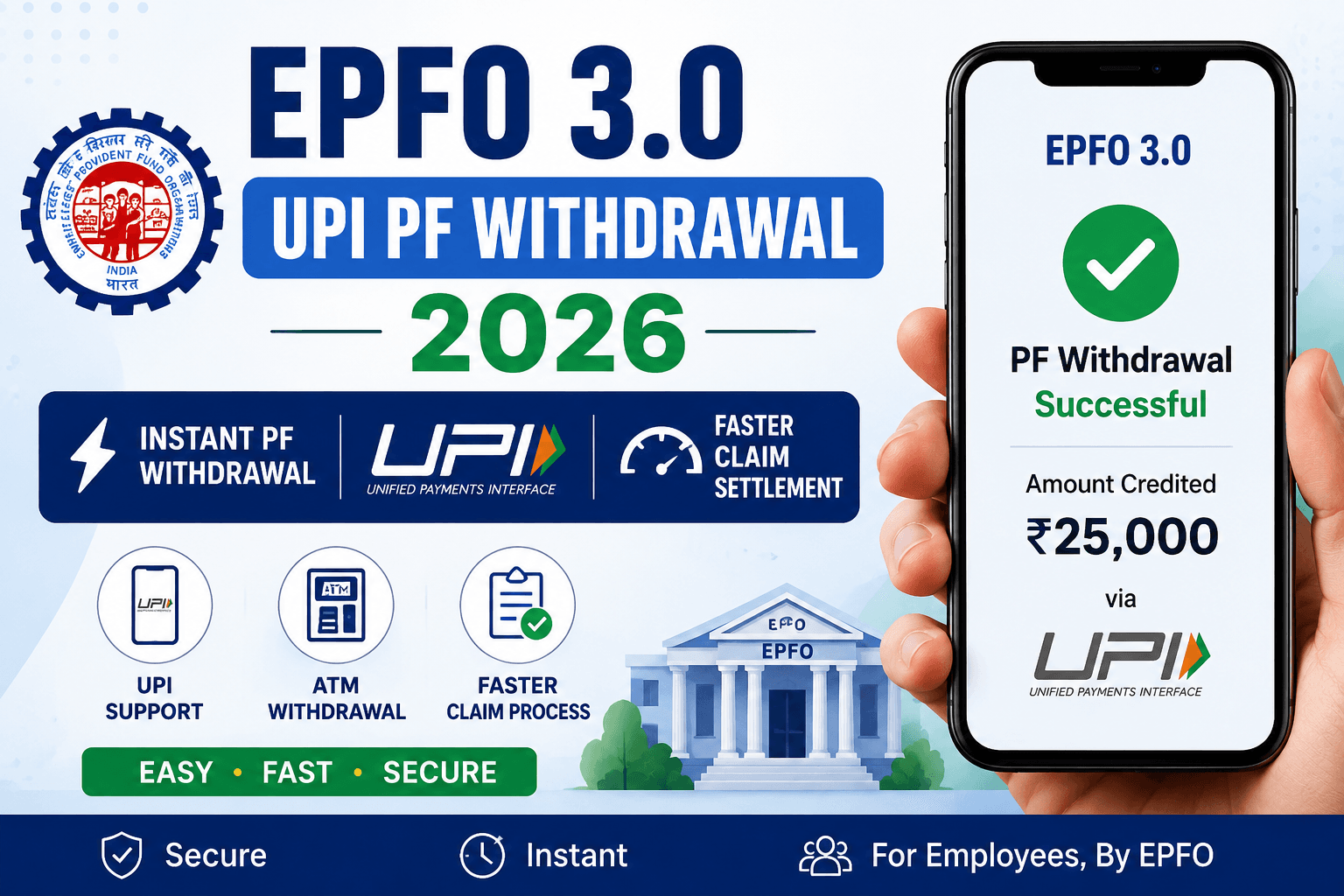
What is EPFO 3.0?
EPFO 3.0 is expected to become one of the biggest digital upgrades for Employees’ Provident Fund services in India. The Employees’ Provident Fund Organisation may introduce faster digital claim settlement, UPI withdrawal support and ATM based PF services.
Millions of employees across India use EPF services for retirement savings, emergency withdrawals and financial security. However, many users currently face slow claim processing, KYC verification issues and complicated online procedures.
EPFO 3.0 aims to solve these problems through advanced digital technology and simplified online systems.
| Feature | Current EPFO System | Expected EPFO 3.0 Upgrade |
|---|---|---|
| PF Withdrawal Time | 2–7 Days | Instant or Faster Processing |
| UPI Support | Not Available | Expected Integration |
| ATM Withdrawal | Not Supported | Possible Future Access |
| Claim Tracking | Basic Tracking | Advanced Real-Time Tracking |
| Mobile Experience | Average Interface | Improved Mobile Optimization |
UPI PF Withdrawal System
One of the most discussed features of EPFO 3.0 is UPI based PF withdrawal. According to recent reports, EPFO may soon allow employees to transfer Provident Fund money directly into their linked bank accounts using UPI enabled systems.
Currently, PF withdrawal usually takes several days depending on verification and banking approvals. With UPI integration, claim settlement may become significantly faster and more user friendly.
This upgrade can improve accessibility for millions of employees across India who depend on EPF savings for emergency financial needs and retirement planning.
Benefits of UPI PF Withdrawal
- Faster claim settlement process
- Reduced banking delays
- Easy smartphone access
- Improved employee convenience
- Advanced digital verification
- Better online tracking systems
| Benefit | Description |
|---|---|
| Instant Transfer | Faster PF money transfer using digital systems |
| UPI Support | Direct bank account integration |
| Less Paperwork | Reduced manual verification process |
| Better User Experience | Simple and modern online interface |
| Mobile Friendly | Easy access through smartphones |
How UPI PF Withdrawal May Work?
- Login to EPFO member portal.
- Verify Aadhaar and bank account details.
- Select UPI withdrawal option.
- Enter linked UPI ID.
- Submit claim request.
- Receive PF amount directly in bank account.
Benefits of EPFO 3.0
EPFO 3.0 is expected to improve the overall Provident Fund experience for employees across India. The upcoming digital upgrade may introduce faster services, improved online systems and simplified claim settlement processes.
Many users currently face delays during PF withdrawal, KYC verification and claim approval. EPFO 3.0 aims to reduce these problems using modern banking technologies and automated verification systems.
Major Benefits Expected in EPFO 3.0
- Instant or faster PF withdrawal process
- UPI based money transfer support
- Reduced paperwork and manual verification
- Improved mobile experience
- Advanced online tracking systems
- Better claim settlement process
- Simple and user friendly dashboard
| Feature | Expected Benefit |
|---|---|
| Instant PF Withdrawal | Faster access to PF money during emergencies |
| UPI Integration | Easy and secure bank transfers |
| Digital Verification | Reduced claim processing delays |
| Mobile Friendly Portal | Better smartphone experience for employees |
| Real-Time Tracking | Easy monitoring of PF claim status |
| ATM Access | Possible future emergency withdrawal support |
Why EPFO 3.0 Matters For Employees?
Employees across India depend on Provident Fund savings for financial security, retirement planning and emergency needs. Faster digital services can improve accessibility and reduce waiting time for millions of users.
If implemented successfully, EPFO 3.0 may become one of the biggest digital transformations in India’s government financial services sector.
Documents Required For PF Withdrawal
Employees generally need verified KYC details and important identity documents before submitting an online PF withdrawal request. Incorrect or incomplete information may delay claim approval and settlement process.
To avoid rejection or verification issues, employees should ensure that all details linked with UAN account are updated properly.
Important Documents Required
- UAN Number
- Aadhaar Card
- PAN Card
- Verified Bank Account
- Registered Mobile Number
- Updated KYC Information
- IFSC Code
- Passport Size Photograph (if required)
| Document | Purpose |
|---|---|
| UAN Number | Required for EPFO login and verification |
| Aadhaar Card | Identity verification and KYC process |
| PAN Card | Tax related verification |
| Bank Account | PF amount transfer process |
| Mobile Number | OTP verification and updates |
| IFSC Code | Correct bank transfer processing |
Important KYC Tips
- Ensure Aadhaar is linked with UAN.
- Verify PAN details correctly.
- Use active mobile number linked with Aadhaar.
- Check bank account details carefully.
- Update KYC before applying for withdrawal.
Common Verification Problems
Many PF withdrawal requests are delayed because of incorrect KYC information, inactive UAN accounts or mismatched Aadhaar details. Employees should verify all information before submitting claims online.
PF Withdrawal Process Step By Step
Employees can submit PF withdrawal requests online through the official EPFO member portal. Before applying, users should ensure that Aadhaar, PAN and bank account details are verified properly.
Incorrect information may delay claim approval and settlement process. EPFO 3.0 is expected to improve this system using faster digital verification technologies.
How To Withdraw PF Online?
- Visit official EPFO member portal.
- Login using UAN and password.
- Verify Aadhaar and bank details.
- Open Online Services section.
- Select Claim Form option.
- Choose PF withdrawal type.
- Submit online request.
- Track claim status online.
| Step | Action Required |
|---|---|
| Step 1 | Login using UAN credentials |
| Step 2 | Verify Aadhaar and KYC details |
| Step 3 | Open online claim section |
| Step 4 | Choose withdrawal option |
| Step 5 | Submit claim request online |
| Step 6 | Track claim settlement status |
EPFO 3.0 Eligibility Criteria
Employees having active UAN number, verified Aadhaar and updated KYC details may become eligible for future EPFO 3.0 services and faster withdrawal features.
| Requirement | Status Needed |
|---|---|
| UAN Number | Active |
| Aadhaar Link | Required |
| Bank Account | Verified |
| PAN Verification | Recommended |
| KYC Status | Updated |
Common PF Withdrawal Problems
Aadhaar Not Linked
Claims may fail if Aadhaar is not properly linked with UAN account.
Incorrect Bank Details
Wrong IFSC code or bank account number can delay settlement process.
PAN Verification Pending
Tax related issues may occur if PAN verification is incomplete.
Inactive UAN
Employees must activate UAN before using online EPFO services.
Future Of EPFO 3.0 Services
India is rapidly moving toward digital banking and online government services. EPFO 3.0 may become one of the biggest digital upgrades for provident fund users across India.
Features like instant withdrawal, UPI support, ATM services and advanced verification systems can improve accessibility for millions of employees.
| Feature | Expected Improvement |
|---|---|
| Instant PF Withdrawal | Faster claim settlement |
| UPI Integration | Easy digital transfer process |
| ATM Support | Emergency access to PF funds |
| Mobile Optimization | Better smartphone experience |
| Advanced Tracking | Real-time claim monitoring |
Frequently Asked Questions
Is EPFO 3.0 officially launched?
Official nationwide rollout details are still awaited.
Can PF be withdrawn instantly using UPI?
Reports suggest EPFO may introduce this feature in future updates.
Is Aadhaar mandatory for PF withdrawal?
Yes, Aadhaar linked UAN is generally required.
Can PF balance be checked online?
Yes, PF balance can be checked using official EPFO services.
Can employees use ATM for PF withdrawal?
ATM related withdrawal services are expected in future EPFO upgrades.
Useful EPF Tools
Conclusion
EPFO 3.0 may become one of the biggest digital upgrades for Provident Fund users in India. Features like UPI based withdrawal, ATM access and faster claim processing can significantly improve the overall employee experience.
Employees should keep Aadhaar, PAN and bank details updated to access future EPFO digital services smoothly and avoid claim related issues.
Official External Resources
Visit the official EPFO portal for latest Provident Fund services and updates: EPFO Official Website
Employees can also access government digital services through: UMANG Official Portal
EPFO 3.0 UPI PF Withdrawal 2026 Explained
Benefits of EPFO 3.0 UPI PF Withdrawal 2026
How EPFO 3.0 UPI PF Withdrawal 2026 May Work?
Documents Required For EPFO 3.0 UPI PF Withdrawal 2026
EPFO 3.0 UPI PF Withdrawal 2026 Eligibility Criteria
Latest EPFO 3.0 UPI PF Withdrawal 2026 Updates
Can EPFO 3.0 UPI PF Withdrawal 2026 Start Soon?
Is EPFO 3.0 UPI PF Withdrawal 2026 Officially Confirmed?
What is EPFO 3.0?
How to Withdraw PF via UPI?
EPFO ATM Withdrawal Rules 2026
Benefits of EPFO 3.0
Required Documents for PF Withdrawal
EPFO 3.0 Eligibility Criteria
EPFO 3.0 Withdrawal Limit
Frequently Asked Questions
Frequently Asked Questions
Q1. Can I withdraw PF through UPI?
Yes, EPFO 3.0 is expected to introduce UPI-based PF withdrawal services for faster claim settlement and instant transfers.
Q2. What is EPFO 3.0?
EPFO 3.0 is a new upgraded digital system by EPFO that may allow instant PF withdrawal, ATM access and UPI integration for members.
Q3. Is employer approval required?
In some PF withdrawal cases employer approval may still be required, but EPFO 3.0 aims to reduce manual verification delays.
Q4. What is PF withdrawal limit in 2026?
The expected auto-settlement limit under EPFO 3.0 may increase up to ₹5 lakh depending on eligibility and account verification.
Q5. Can I withdraw PF from ATM?
According to recent reports, EPFO may introduce ATM withdrawal features for PF members under the EPFO 3.0 system.
About Toolxy.in
Toolxy.in is a free online tools platform that provides smart calculators, finance tools, EPF services, SIP calculators, age calculators and other useful digital utilities for users across India. Our mission is to make online calculations fast, accurate and easy for everyone.