Hathway Speed Test
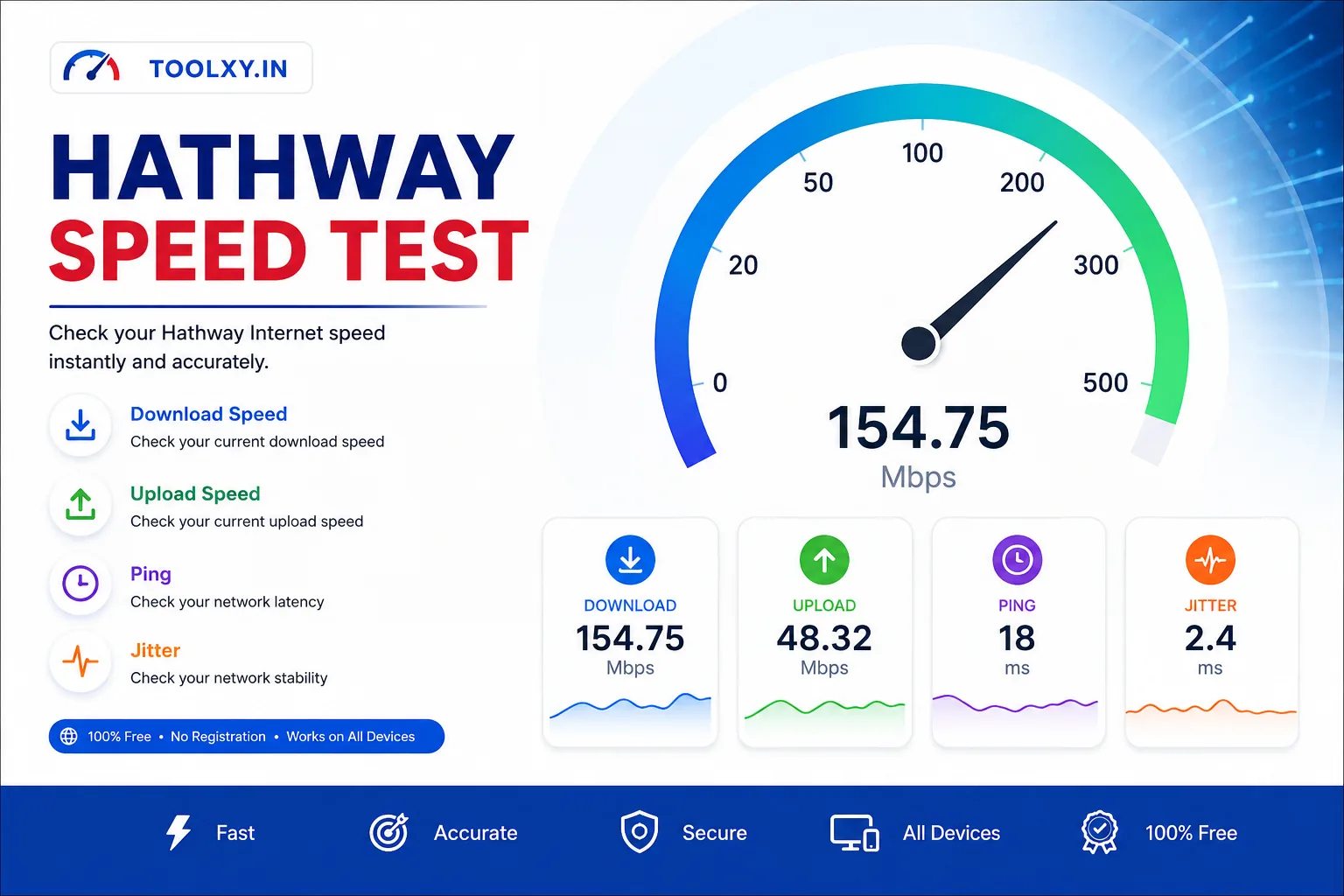
Check your real-time download speed, upload speed, ping and jitter.
How to Use Hathway Speed Test
- Connect your phone, laptop or computer to your Hathway broadband connection.
- Close active downloads, video streaming and other heavy Internet activities.
- Click the Start Speed Test button.
- Wait while the tool measures your Internet connection.
- Check your download speed, upload speed, ping and jitter.
- Run the test again if you want to compare multiple results.
Table of Contents
What Is Hathway Speed Test?
Hathway Speed Test is an online Internet speed testing tool that helps you check the current performance of your broadband connection. The test measures important network metrics such as download speed, upload speed, ping and jitter.
You can use the Hathway speed test on a smartphone, tablet, laptop or desktop computer. The tool works directly in a modern web browser and does not require a separate application.
Your speed test result can change depending on Wi-Fi signal strength, connected devices, router performance, network traffic and the server used for testing. For this reason, it is useful to run the test multiple times when troubleshooting a connection.
What Is Download Speed?
Download speed describes how quickly information can be transferred from the Internet to your device. It is generally measured in Mbps, or megabits per second.
A higher download speed can make activities such as streaming, downloading files, browsing websites and loading online content feel faster. However, the speed you experience can also depend on the website or service you are accessing.
What Is Upload Speed?
Upload speed measures how quickly information can travel from your device to the Internet. It is important when sending files, uploading videos, backing up data to the cloud and making video calls.
If your upload speed is significantly lower than expected, check whether other devices on your network are uploading files or using cloud backup services.
What Is Ping?
Ping, also called latency, measures the response time of a network connection. It is normally displayed in milliseconds, or ms.
Lower latency generally means a more responsive connection. Low ping can be particularly useful for online gaming, video calls and other real-time applications.
What Is Jitter?
Jitter represents variations in network latency. A stable connection normally has lower variations in response time.
High jitter can sometimes affect real-time activities such as voice calls, video meetings and online gaming because packets may not arrive at consistent intervals.
Why Is My Hathway Internet Slow?
A Hathway broadband connection can appear slow for several different reasons. The speed test only shows the performance measured at the time you run the test.
Common reasons include:
- Weak Wi-Fi signal.
- Too many connected devices.
- Background downloads or uploads.
- Video streaming on another device.
- Router or modem limitations.
- Wireless interference.
- Temporary network congestion.
- Problems with the device being used for testing.
How to Improve Hathway Internet Speed
If your Hathway speed test results are lower than expected, start with simple troubleshooting steps before changing your broadband plan.
- Restart your router.
- Move closer to the Wi-Fi router.
- Disconnect unused devices.
- Pause large downloads and uploads.
- Close unnecessary applications.
- Use a 5 GHz Wi-Fi connection when available.
- Use an Ethernet connection for a more consistent test.
- Run the speed test at different times of the day.
How to Get Accurate Hathway Speed Test Results
For the most useful Hathway Speed Test result, test the connection under controlled conditions. Other devices and applications can consume bandwidth and affect the measurement.
Before testing:
- Stop streaming videos.
- Pause large downloads.
- Pause cloud backups.
- Close unnecessary browser tabs and applications.
- Keep the device reasonably close to the router.
- Use Ethernet when possible.
Run the test two or three times and compare the results rather than relying on a single measurement.
Related Internet Speed Tools
You can also check other broadband connections using these Toolxy tools:
- Jio Network Speed Test
- Airtel Broadband Speed Test
- BSNL Broadband Speed Test
- Excitel Broadband Speed Test
Hathway Speed Test vs Your Broadband Plan
A speed test result should be compared with the plan speed and the testing conditions. A broadband plan may advertise a maximum or expected speed, while the actual measurement can vary because of Wi-Fi, device performance, network conditions and other factors.
For this reason, a lower result on Wi-Fi does not automatically mean that the broadband connection itself is faulty. Testing through Ethernet can help determine whether Wi-Fi is contributing to the difference.
Is Hathway Speed Test Accurate?
An Internet speed test provides a measurement of your connection at a particular time and under particular network conditions. Results can change from one test to another.
For better troubleshooting, compare several tests and consider download speed, upload speed, ping and jitter together instead of looking at only one number.
External Internet Speed Resource
For an additional independent network measurement, you can also use Cloudflare's Internet Speed Test .
Frequently Asked Questions
How can I check my Hathway Internet speed?
Connect your device to your Hathway broadband connection and click the Start Speed Test button. The tool measures download speed, upload speed, ping and jitter.
Is Hathway Speed Test free?
Yes. The Toolxy Hathway Speed Test is available as a free browser-based Internet testing tool.
Can I check Hathway speed on mobile?
Yes. You can use the Hathway Speed Test on a smartphone or tablet connected to your broadband Wi-Fi network.
What is a good Hathway download speed?
The suitable download speed depends on your activities and the broadband plan you use. Browsing requires less bandwidth than high-quality streaming, large downloads or multiple simultaneous users.
Why is my Hathway speed test result different every time?
Speed can vary because of Wi-Fi conditions, network traffic, connected devices, background applications, router performance and testing conditions.
How can I get a more accurate Hathway speed test?
Pause downloads and streaming, disconnect unnecessary devices, move closer to the router and use Ethernet when possible. Running multiple tests can also provide a better picture of your connection.
What does ping mean in a speed test?
Ping measures network response time in milliseconds. Lower ping generally means the connection responds more quickly.
What does jitter mean?
Jitter measures variations in network latency. Lower and more stable jitter is generally preferable for real-time communication and online gaming.