BSNL Broadband Speed Test
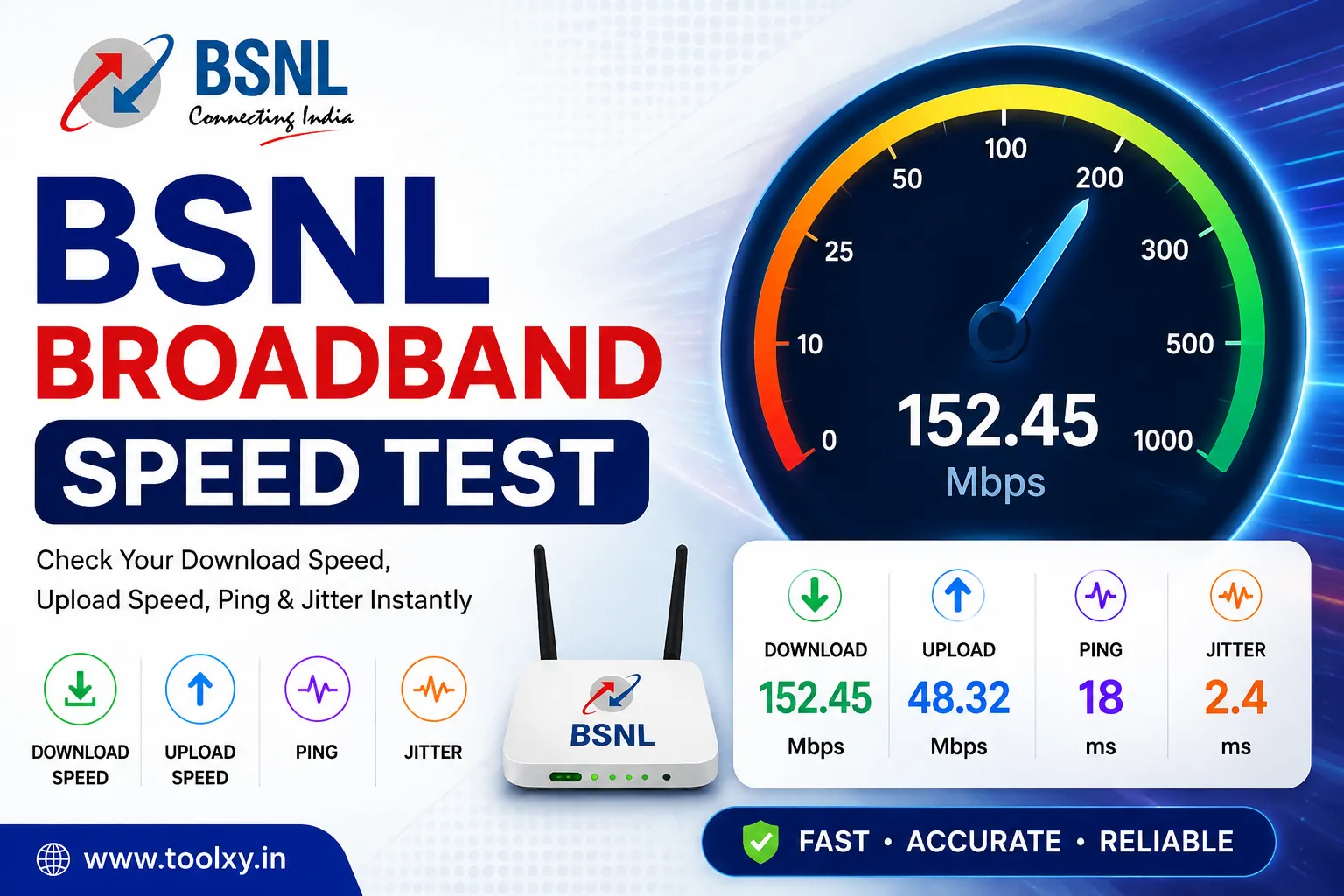
Check your BSNL broadband download speed, upload speed, ping and jitter online.
How to Use BSNL Broadband Speed Test
Table of Contents
- What Is BSNL Broadband Speed Test?
- What Is Download Speed?
- What Is Upload Speed?
- What Is Ping?
- What Is Jitter?
- Why Is My BSNL Broadband Slow?
- How to Improve BSNL Broadband Speed
- How to Get Accurate Speed Test Results
- How to Understand Your Speed Test Results
- Related Free Tools
- Frequently Asked Questions
What Is BSNL Broadband Speed Test?
BSNL Broadband Speed Test is a free online tool that helps you check the current performance of your BSNL broadband Internet connection. It measures important connection metrics including download speed, upload speed, ping and jitter.
You can use the BSNL Broadband Speed Test on a smartphone, laptop, desktop computer or tablet connected to the Internet. The test runs directly in your web browser, so there is no need to install a separate application.
A BSNL Broadband Speed Test can help you understand how your Internet connection is performing at the time of testing. Your results may change depending on Wi-Fi conditions, network traffic, device performance and other factors.
What Is Download Speed?
Download speed is the rate at which data is transferred from the Internet to your device. It is normally measured in Mbps, which means megabits per second.
Download speed is important when browsing websites, watching online videos, downloading files, installing applications and using cloud services.
The download result shown by this BSNL Broadband Speed Test represents the measured performance of your connection during the test.
What Is Upload Speed?
Upload speed measures how quickly your device can send data to the Internet. It is useful when uploading photographs, videos, documents and other files.
A good upload connection is also useful for video meetings, live streaming, cloud backups and sending large files.
What Is Ping?
Ping measures network latency and is displayed in milliseconds, commonly written as ms. It indicates how quickly a network request can travel between your device and a testing server.
Lower ping generally means a faster response. Low latency can be particularly useful for online gaming, video calls and other real-time applications.
What Is Jitter?
Jitter measures variations in network latency. A connection with consistent latency generally has lower jitter.
High jitter can sometimes cause problems with online gaming, voice calls and video conferencing because data packets may arrive at inconsistent intervals.
Why Is My BSNL Broadband Slow?
1. Wi-Fi Signal Problems
The distance between your device and Wi-Fi router, walls and wireless interference can affect the speed delivered to your device.
2. Multiple Connected Devices
Several phones, computers, smart TVs and other devices using the same connection can consume available bandwidth.
3. Background Downloads
Automatic updates, cloud synchronization and file downloads can use bandwidth while you are running a speed test.
4. Network Traffic
Internet performance can vary during periods of higher network usage.
5. Router Limitations
The router's wireless capabilities and configuration can affect the speed available to connected devices.
How to Improve BSNL Broadband Speed
If your BSNL Broadband Speed Test result is lower than expected, try the following steps:
- Move closer to your Wi-Fi router.
- Restart the router if the connection is unusually slow.
- Pause large downloads and uploads.
- Disconnect devices that are not currently needed.
- Close applications that use significant bandwidth.
- Test with an Ethernet connection when possible.
- Run tests at different times of the day.
- Keep your router and connected devices updated.
How to Get Accurate Speed Test Results
For a more reliable BSNL Broadband Speed Test, close unnecessary browser tabs and applications that may be using the Internet. Pause downloads, uploads and streaming before starting the test.
If possible, test using an Ethernet connection. Ethernet can help remove some of the variables introduced by Wi-Fi signal strength and wireless interference.
You can also run the test multiple times and compare the results. Testing at different times can help you understand how your Internet performance changes throughout the day.
How to Understand Your Speed Test Results
Download Speed
Higher download speed is generally useful for streaming, browsing, downloading files and other activities that receive large amounts of data.
Upload Speed
Higher upload speed is useful when sending files, uploading videos, using cloud backups and participating in video calls.
Ping
Lower ping generally provides better responsiveness for online gaming, calls and other real-time services.
Jitter
Lower and more consistent jitter is generally preferable for voice calls, video meetings and online gaming.
Related Free Toolxy Tools
After checking your BSNL broadband connection, you can also use these related free tools on Toolxy:
Useful Internet Speed Test Resources
For additional information about Internet performance testing, you can also visit these relevant external resources: