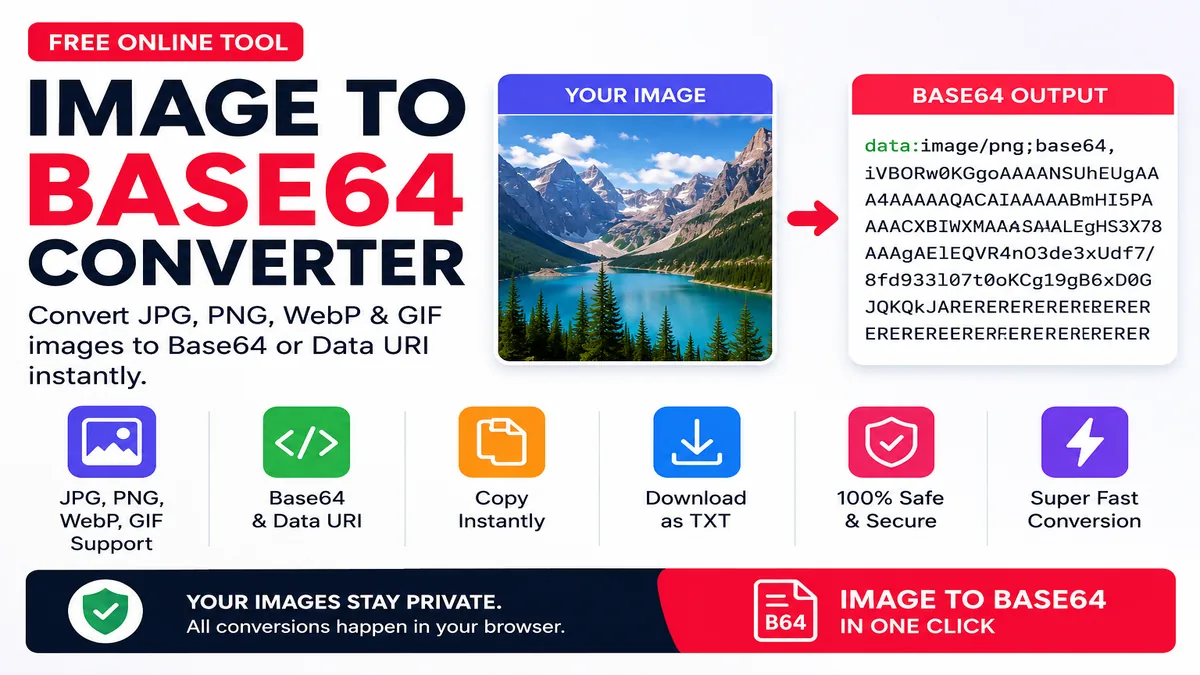
Image to Base64 Converter
Convert JPG, PNG, WebP and GIF images to Base64 or Data URI.
Image to Base64 Converter Online
Image to Base64 Converter is a free online tool that converts JPG, PNG, WebP and GIF images into Base64 text or a complete Data URI. It is useful for developers who need to represent an image as text for compatible HTML, CSS, JavaScript, email or testing workflows.
The Image to Base64 Converter works directly in your browser. Select an image from your phone or computer and the tool generates the encoded result automatically. You can then copy the Base64 code, copy the Data URI or download the result as a TXT file.
How to Use Image to Base64 Converter
What Is Base64 Image Encoding?
Base64 is an encoding method that represents binary information using text characters. An image normally consists of binary data, but Base64 can represent that data as text so it can be stored or transferred in places that support text values.
The Image to Base64 Converter can be useful when a developer needs the encoded representation of a small image asset rather than a normal image URL.
JPG to Base64 Converter
Use the Image to Base64 Converter to encode JPG or JPEG photographs into Base64. JPG is widely used for photographs and web images because it normally provides good compression for visual content.
PNG to Base64 Converter
PNG files can also be converted into Base64. PNG is commonly used for logos, screenshots, interface graphics and images that require lossless compression or transparency.
WebP to Base64 Converter
WebP is a modern image format designed for efficient web delivery. If your project contains a WebP image and requires its encoded text representation, the Image to Base64 Converter can generate it directly in the browser.
GIF to Base64 Converter
GIF images are supported as well. Select the GIF file and the tool will generate its Base64 representation for compatible development uses.
Base64 vs Data URI
| Output | What It Contains | Typical Use |
|---|---|---|
| Raw Base64 | Encoded image data | Applications that already know the image type |
| Data URI | Media type plus encoded data | Compatible HTML, CSS and development workflows |
Image to Base64 Converter Features
Can Base64 Be Used in HTML?
Yes. A Data URI can be used as an image source in environments that support Data URLs. This can be useful for small assets and certain development or testing situations.
Can Base64 Be Used in CSS?
Data URLs can also be used in CSS properties that accept image resources. Developers sometimes use this approach for small icons or other small assets.
Does Base64 Compress Images?
No. Base64 is an encoding technique, not an image compression technique. Base64 representation can actually be larger than the original binary image. If your goal is to reduce file size, use an image compression tool instead.
For compression, try Image Compressor Online .
Useful Toolxy Image Tools
External Developer Resources
For additional technical information about Base64 and Data URLs, see these authoritative developer resources:
Frequently Asked Questions
What is an Image to Base64 Converter?
It converts an image file into Base64 text and can also generate a complete Data URI.
How do I convert an image to Base64?
Select an image with the Choose Image button. The browser generates the encoded result automatically.
Can I convert JPG to Base64?
Yes. JPG and JPEG images are supported.
Can I convert PNG to Base64?
Yes. PNG images are supported.
Can I convert WebP to Base64?
Yes. WebP images are supported.
Can I convert GIF to Base64?
Yes. GIF images are supported.
What is the difference between Base64 and Data URI?
Raw Base64 contains the encoded data, while a Data URI includes the media type together with the encoded data.
Does Base64 reduce image size?
No. Base64 is an encoding method and does not compress an image.
Can I copy the generated Base64?
Yes. Click Copy Base64 to copy the encoded image data.
Can I download Base64 as TXT?
Yes. Click Download TXT to save the generated code.
Does the tool work on mobile?
Yes. The converter works with modern mobile, tablet and desktop browsers.
Is my image uploaded to Toolxy?
The conversion is performed in the browser, so the image does not need to be uploaded to a Toolxy server.
Final Words
The Image to Base64 Converter provides a simple way to encode common image formats into Base64 or Data URI text. It is particularly useful for developers working with small image assets, HTML, CSS, JavaScript and compatible development workflows.