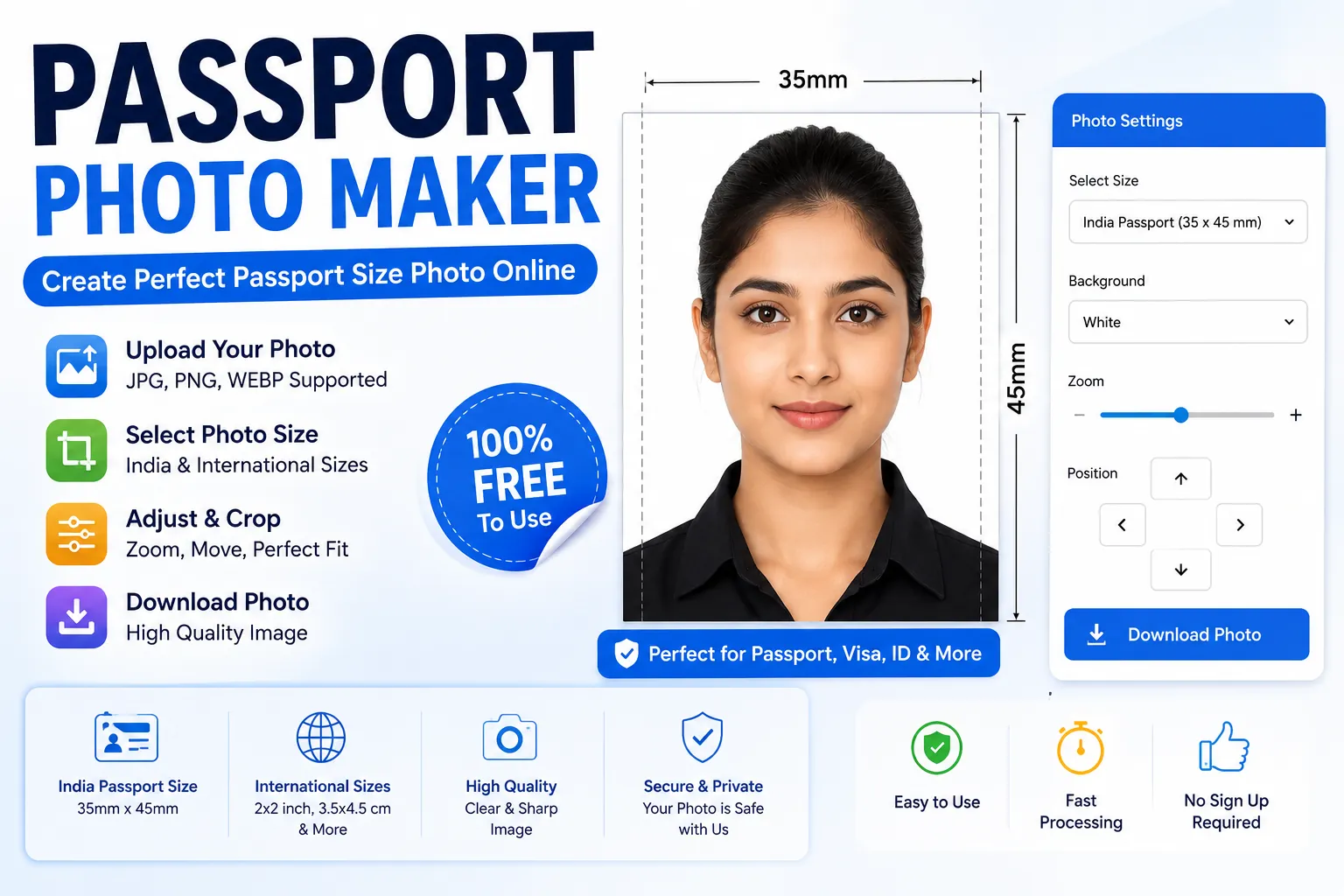
Passport Photo Maker
Create a passport-size photo online by uploading your image, choosing a photo size and downloading the prepared image.
JPG, PNG or WebP image. Your image is processed in your browser.
Adjust Photo
Passport Photo Maker Online
The Passport Photo Maker is an online photo preparation tool that lets you upload an image, choose a photo size and create a downloadable passport-size image. The tool processes the uploaded image directly in your browser.
You can use the Passport Photo Maker to prepare images for different applications, forms, identification documents and other situations where a specific photo size is required.
India Passport Photo Size
Passport Seva's current guidance for certain passport photographs specifies a colour photograph measuring 4.5 cm × 3.5 cm. For digital ICAO-compliant passport photographs, the current Passport Seva guidance lists dimensions of 630 × 810 pixels.
Requirements can differ depending on how and where the application is submitted. Always check the latest official Passport Seva instructions before using a prepared photograph.
How to Use the Passport Photo Maker
- Click the Upload Photo button.
- Select a clear JPG, PNG or WebP image.
- Choose the required photo size.
- Use the Zoom control to adjust the image.
- Adjust the horizontal and vertical position if needed.
- Click Download Photo.
- Check the final image against the requirements of the organisation where you will submit it.
Passport Photo Requirements in India
Official Passport Seva guidance states that photographs used in applicable passport processes should meet specific requirements relating to background, face position, lighting, eyes, expression and image quality.
- Use a recent colour photograph where required.
- Use a plain white background where the applicable requirement specifies it.
- The face should be clearly visible and facing the camera.
- Eyes should be clearly visible.
- Avoid distracting shadows.
- The head should be centred.
- The image should be clear and not blurred.
For the latest official requirements, check the Passport Seva website before submitting an application.
Passport Photo Maker for Online Applications
Many online forms ask applicants to upload photographs with specific dimensions or file requirements. A photo preparation tool can make resizing and cropping easier, but the final requirements always depend on the organisation and application.
Passport Photo Maker for Printing
A correctly sized image can also be used for printing when the relevant application requires a physical photograph. Before printing, check the required dimensions and paper quality specified by the organisation.
Does This Tool Guarantee Passport Approval?
No. The Passport Photo Maker only prepares and resizes an image according to the selected dimensions. It cannot determine whether a government authority will accept the photograph.
Passport Seva's official instructions should always take priority over any online photo tool or general passport-size recommendation.
Why Use Toolxy Passport Photo Maker?
- Simple browser-based photo preparation.
- No account required for the basic tool.
- Supports JPG, PNG and WebP images.
- Multiple photo-size options.
- Zoom and position controls.
- Download the prepared image directly.
- Mobile-friendly interface.
Frequently Asked Questions
What is a Passport Photo Maker?
A Passport Photo Maker is an online tool used to resize and prepare a photo for applications or forms that require a specific photograph size.
What is the Indian passport photo size?
Passport Seva guidance for applicable physical photographs specifies 4.5 cm × 3.5 cm. Digital ICAO guidance currently specifies 630 × 810 pixels for passport photographs submitted through applicable digital processes.
Can I make a passport photo online?
Yes. You can upload an image and prepare it to a selected size using the Toolxy Passport Photo Maker.
Does the tool remove the background?
The basic tool prepares the image and can render it against a selected background. It does not guarantee automatic professional background removal.
Can I use the photo for Passport Seva?
You should compare the final photograph with the latest official Passport Seva requirements before submitting it. The tool does not guarantee acceptance.
Is the Passport Photo Maker free?
Yes. The basic Toolxy Passport Photo Maker is available online for free.
Does the tool upload my photo to a server?
The basic version processes the selected image in your browser and does not need to upload the image to a Toolxy server for the resize operation.
Which image formats are supported?
The tool supports common JPG, PNG and WebP image files.
Final Words
The Passport Photo Maker provides a quick way to resize and prepare photographs for applications that require specific image dimensions. For official passport applications, always follow the latest instructions published by Passport Seva because requirements can change.