Jio Network Speed Test
Check your current Internet download, upload, ping and jitter
How to Use Jio Network Speed Test
Table of Contents
What Is Jio Network Speed Test?
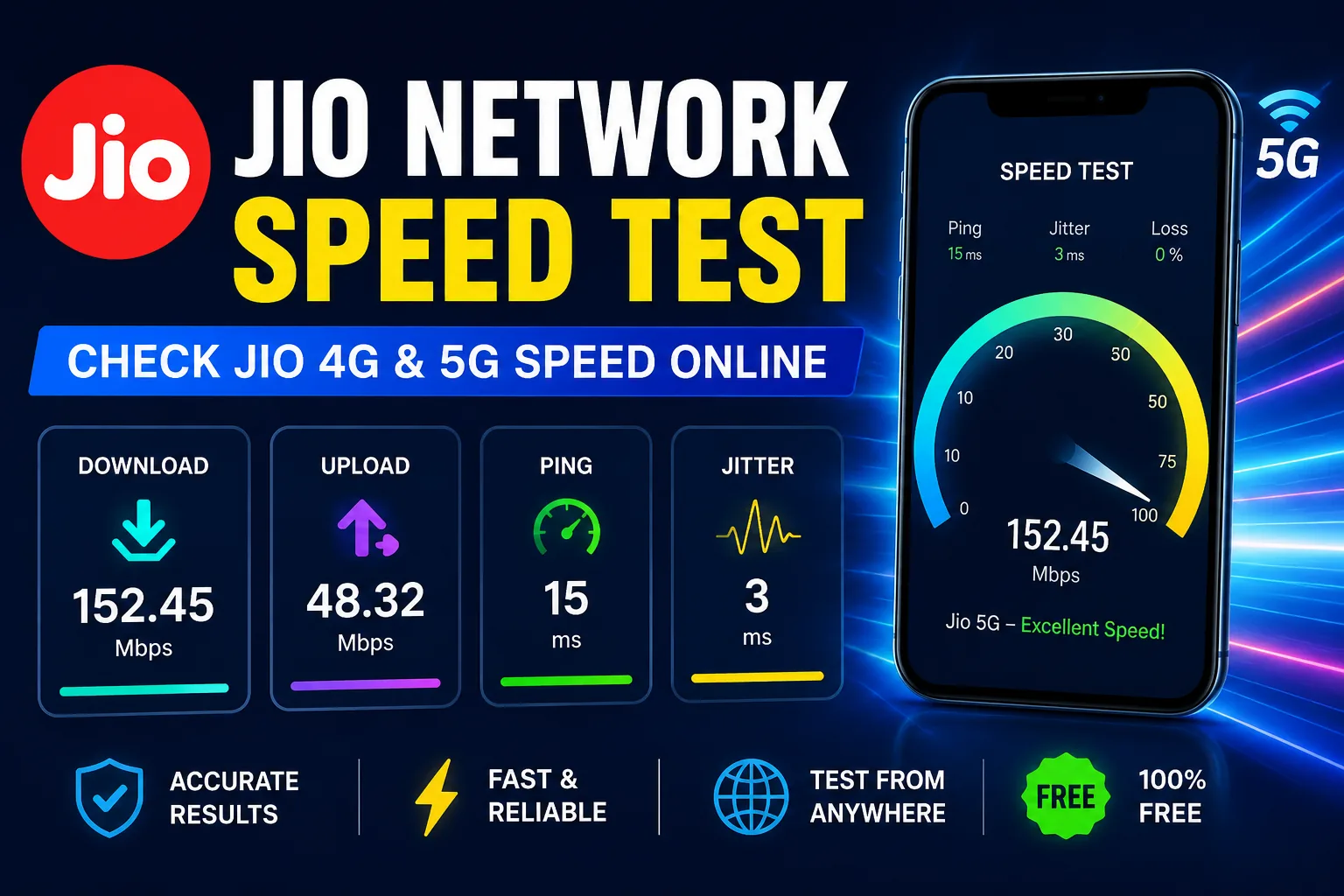
Jio Network Speed Test is a free online Internet speed testing tool that allows you to check the current performance of your Jio Internet connection. You can use it to measure important network metrics including download speed, upload speed, ping and jitter.
The tool works directly in your web browser. It can be used on a smartphone, tablet, laptop or desktop computer connected to the Internet.
If you are using Jio 4G, Jio 5G or Jio broadband, you can run the test to see how your connection is performing at the current time and location.
Jio 4G Speed Test
The Jio 4G speed test helps you check the performance of your current Jio 4G connection. Mobile Internet speed is not always constant, so the result can change during the day.
For a better comparison, run the test several times from the same location. You can also test at different times to see whether network congestion affects your connection.
Jio 5G Speed Test
You can also use this tool to check your Jio 5G Internet speed. Connect your compatible smartphone to Jio 5G and start the test.
Your actual 5G speed depends on factors such as network coverage, signal quality, smartphone capability, local network traffic and Internet routing.
What Is Download Speed?
Download speed measures how quickly information can be transferred from the Internet to your device. It is generally displayed in Mbps, which means megabits per second.
Download speed is especially important for browsing websites, watching videos, downloading applications, downloading files and using online services.
What Is Upload Speed?
Upload speed measures how quickly your device can send information to an Internet server.
A good upload connection can be useful for uploading photos and videos, sending large files, cloud backups, live streaming and video conferencing.
What Is Ping?
Ping measures network latency and is normally displayed in milliseconds (ms).
Lower ping generally means a faster response between your device and the test server. Low latency can be particularly useful for online gaming, video calls and other real-time applications.
What Is Jitter?
Jitter measures variations in network latency. A stable Internet connection generally has more consistent latency.
High jitter can cause problems during online gaming, voice calls and video meetings because network packets may not arrive at consistent intervals.
Why Is My Jio Internet Slow?
1. Weak Network Signal
A weak mobile signal can affect the performance and stability of your Internet connection.
2. Network Congestion
Internet performance can decrease when many users are accessing the network at the same time.
3. Location
Buildings, walls, underground areas and other physical obstacles can affect wireless connectivity.
4. Background Applications
Automatic updates, cloud backups, video streaming and downloads can consume your available bandwidth.
5. Device Limitations
Different smartphones and network hardware have different capabilities and may produce different results.
How to Improve Jio Internet Speed
- Move to an area with better network signal.
- Close unnecessary applications using mobile data.
- Pause downloads and cloud backups while testing.
- Restart mobile data if the connection suddenly becomes unstable.
- Try testing at different times of the day.
- Keep your device software updated.
- Run multiple speed tests before judging your connection.
How to Get Accurate Speed Test Results
For the most consistent result, close other websites and applications that are using large amounts of Internet bandwidth before starting the test.
If you are testing Jio mobile data, stay in the same location when comparing multiple results. Avoid downloading large files or streaming high-quality video during the test.
A speed test represents your connection at that particular moment. It should not be considered a permanent guarantee of your maximum available Internet speed.
Related Free Toolxy Tools
You can also use these free tools on Toolxy:
Frequently Asked Questions
How can I check my Jio Internet speed?
Can I check Jio 5G speed with this tool?
Useful Internet Speed Test Resources
For more information about browser-based Internet performance testing, you can also refer to the official Cloudflare Speed Test project.
Official Cloudflare Speed Test
You can also learn more about the technology used for measuring Internet performance from Cloudflare's official Speedtest project.